If you serve a community where English isn't everyone's first language, your maps and events should too. Reach residents, out-of-town visitors, and the customers of your member businesses in the language they read at home.
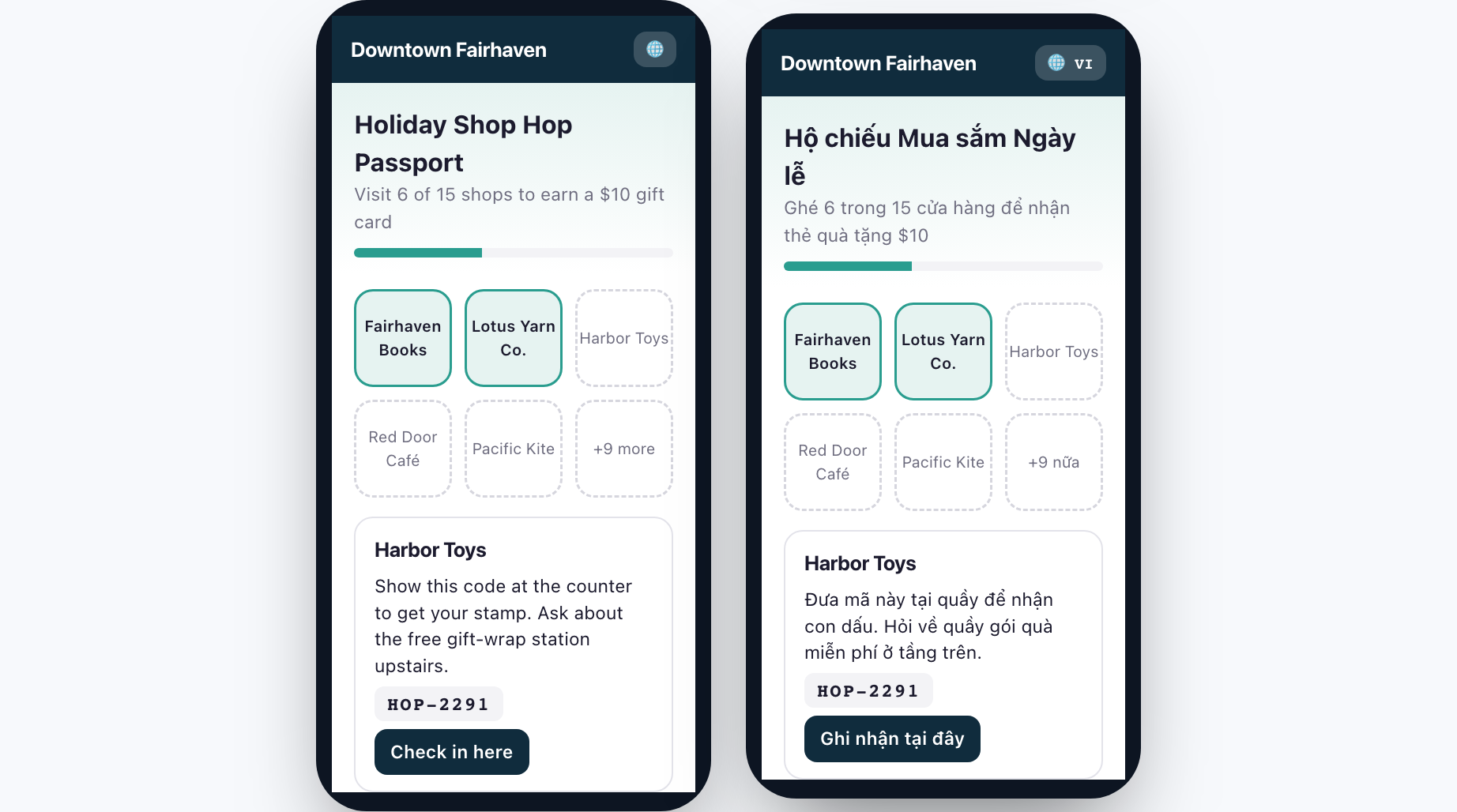
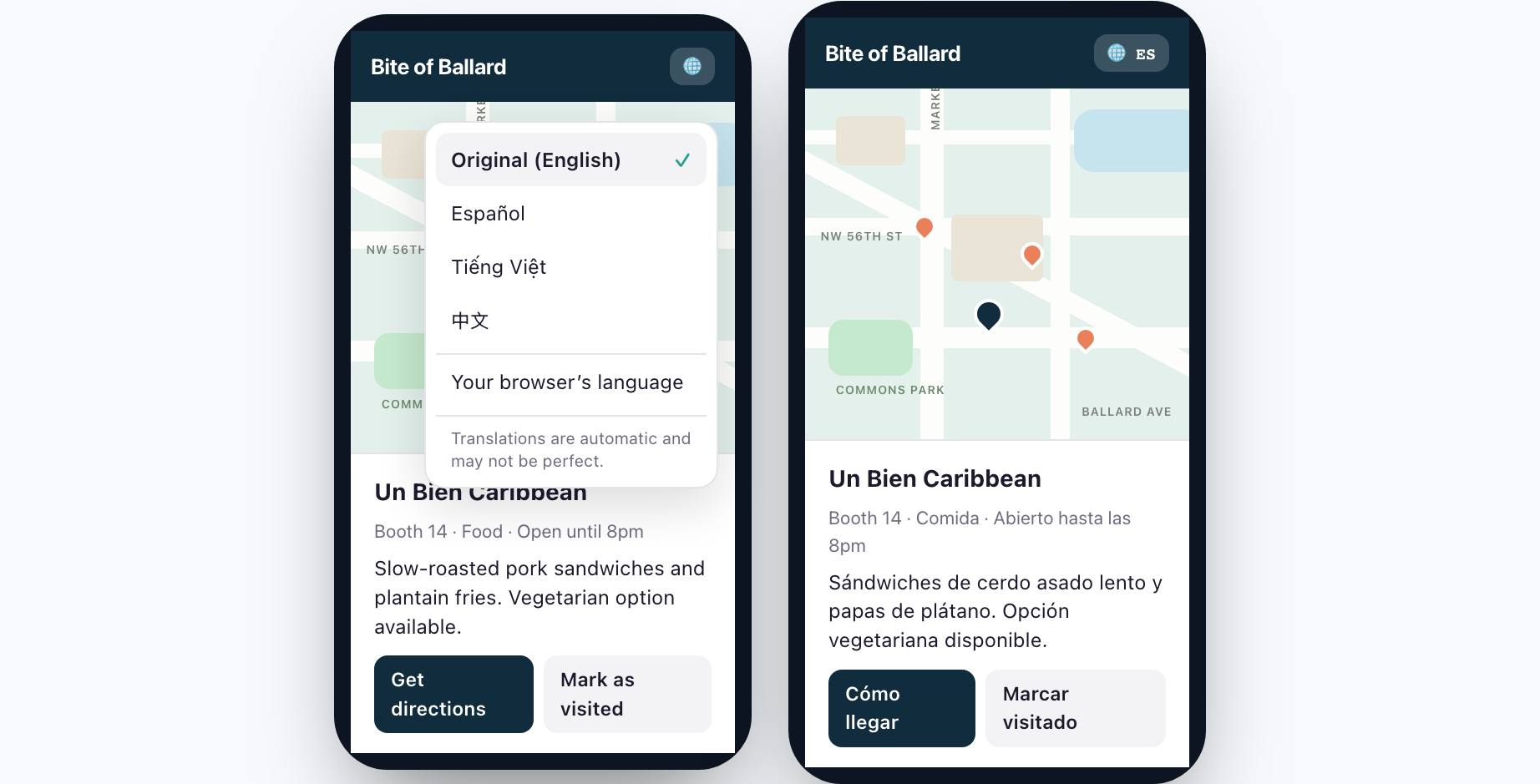
Every public Proxi page has a globe button. Visitors tap it, pick a language, and the page switches in place. Nothing to download, no page reload, and Proxi remembers their language for next time.
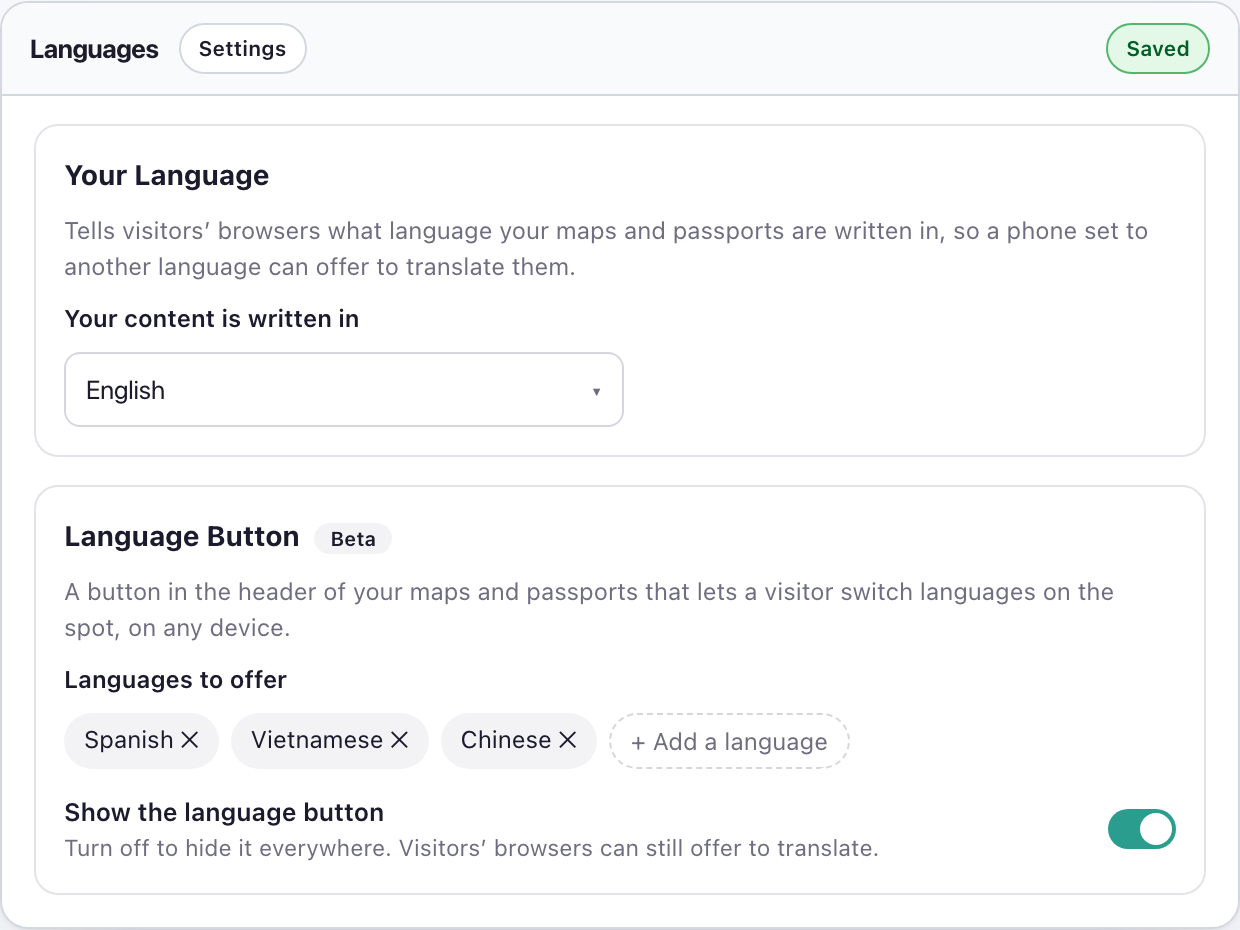
Step One - Update Your Language Settings In Settings, indicate what language your content is written in and then what languages you want to offer.
Step Two - Your Audience Can Toggle Between Languages On your published Proxi asset, they will click the 'Globe' button and choose the language they want to view the asset in.
Frequently Asked Questions
Have more questions? We're here to help!
How do I translate my Proxi map into another language?
Which pages can be translated?
Does translation work on phones and in Safari?
Which Proxi plans include translation?
Can businesses add events directly to our community calendar?